How to Access
This section explains how to access the waiting room management screen.
Step 1: Access Waiting Room Management
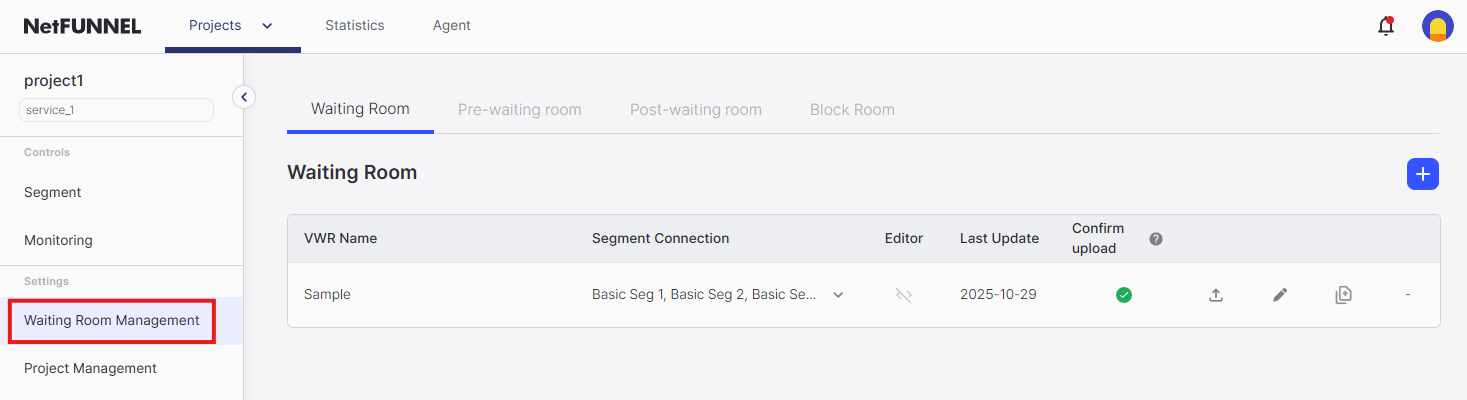
Select Waiting Room Management from the left menu to view and manage the list of waiting rooms created in the current project.
Step 2: View the Management Screen
When you access the waiting room management screen, the following screen is displayed:
- Type Tabs: Tabs are displayed at the top to select from four waiting room types
- Waiting Room List: The list of waiting rooms of the selected type is displayed
- Create Button: A button to create a new waiting room is displayed in the top right